 Bedrock Director
Bedrock Director
A Windows app that runs next to Minecraft Bedrock and changes the game while it runs: sun and moon position, clouds, fog, draw distance and what's on screen, for screenshots and trailers.
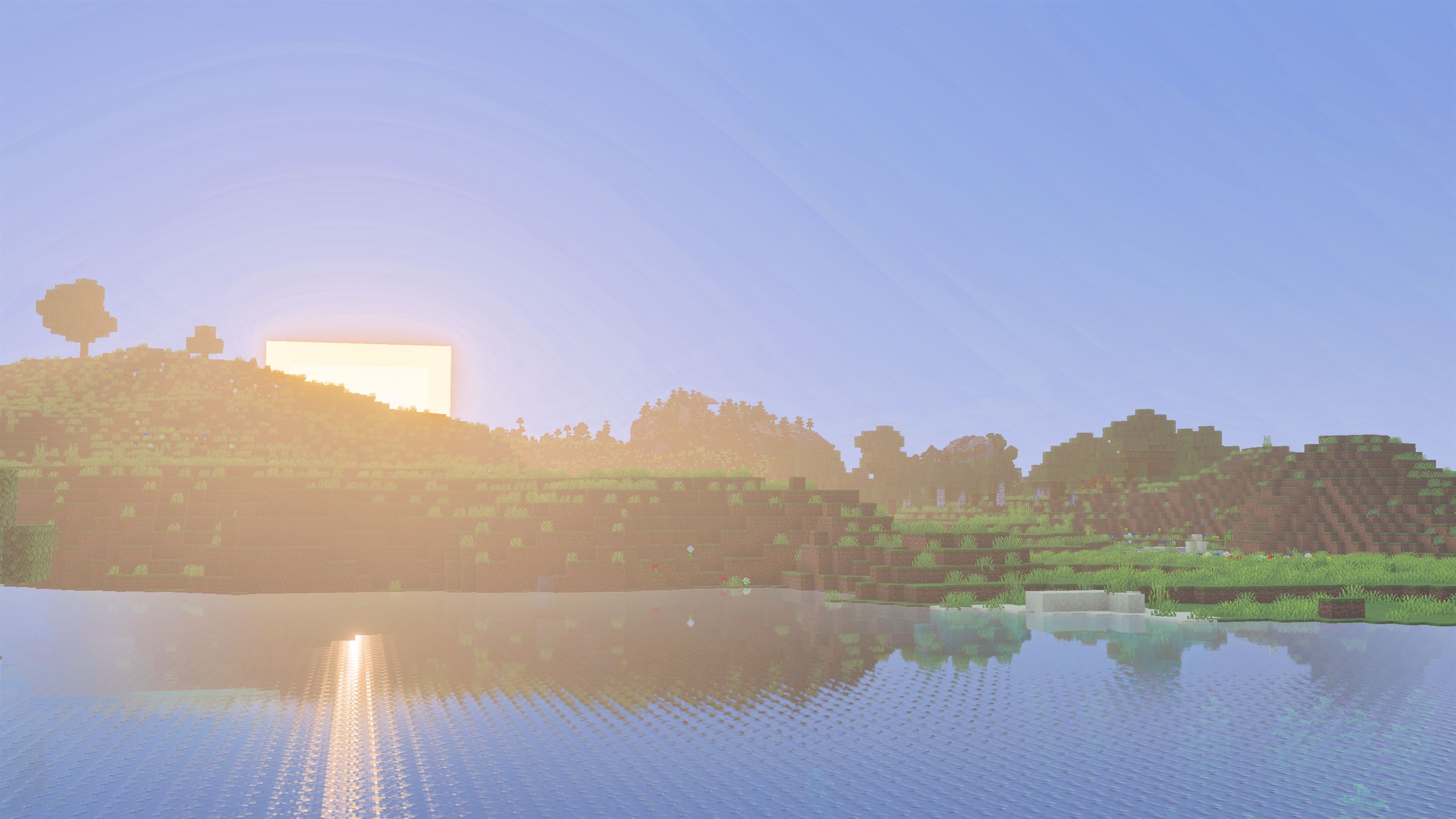
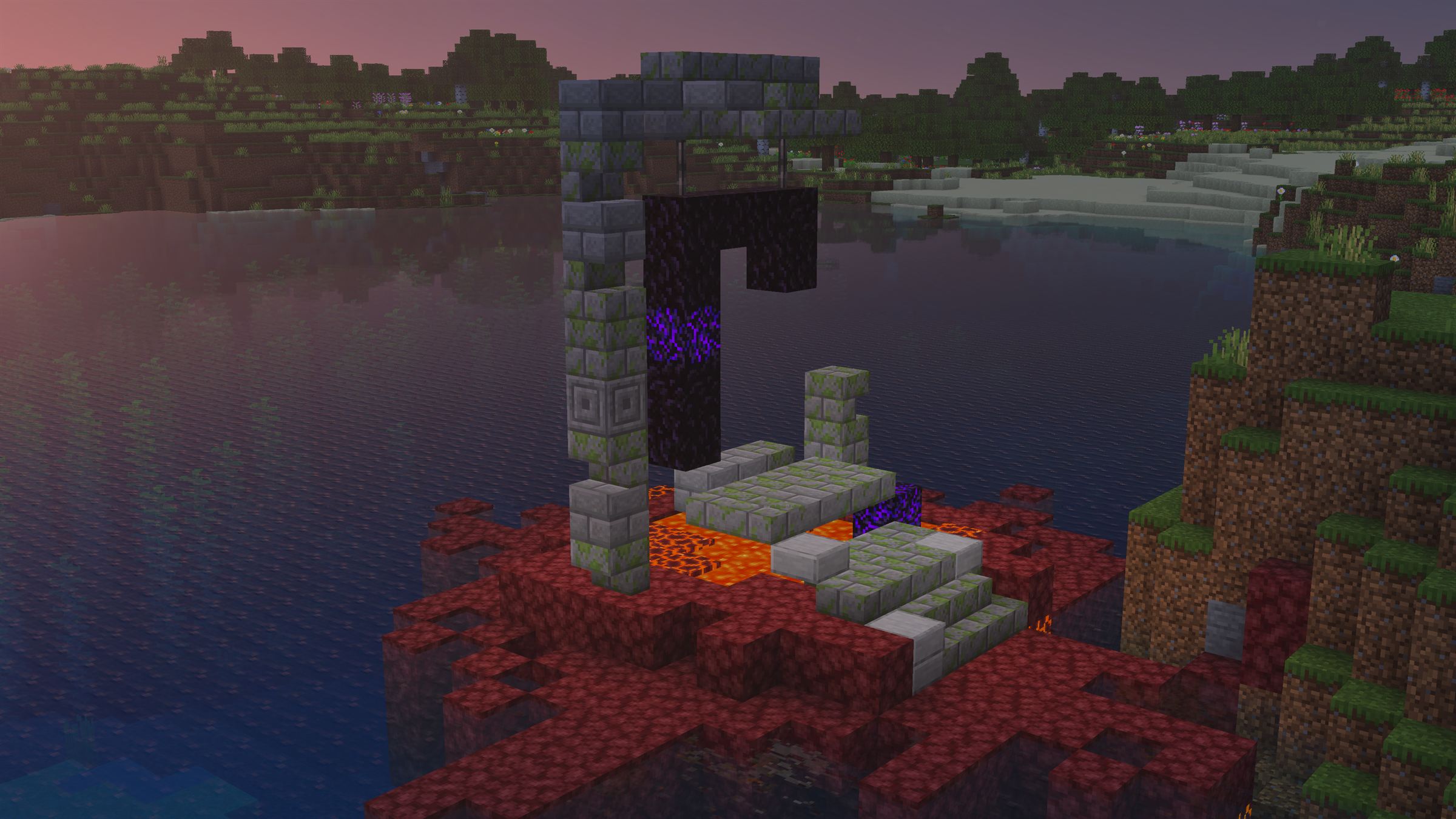
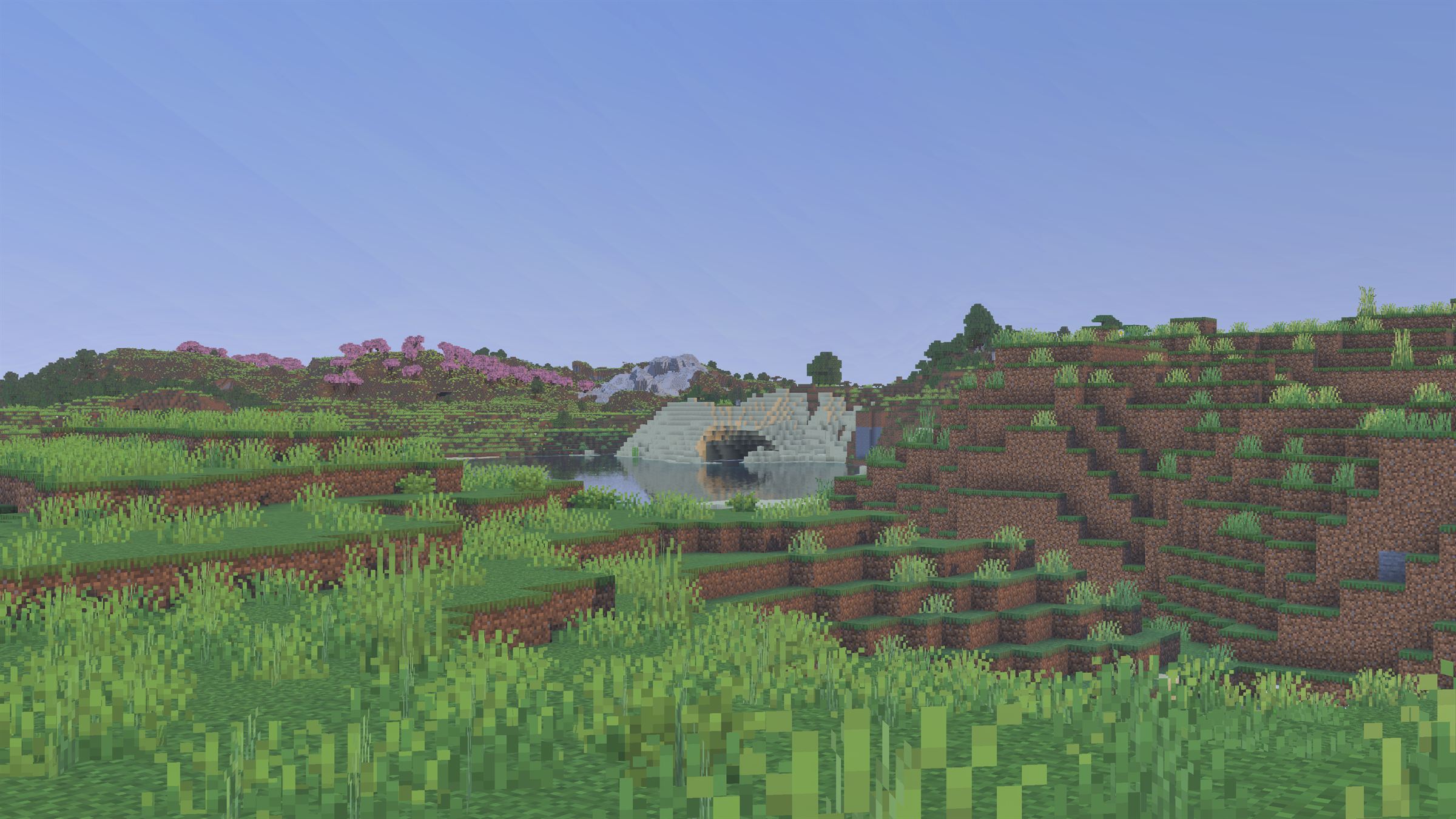
Screenshots taken with Bedrock Director
Live
Changes show up in the game right away.
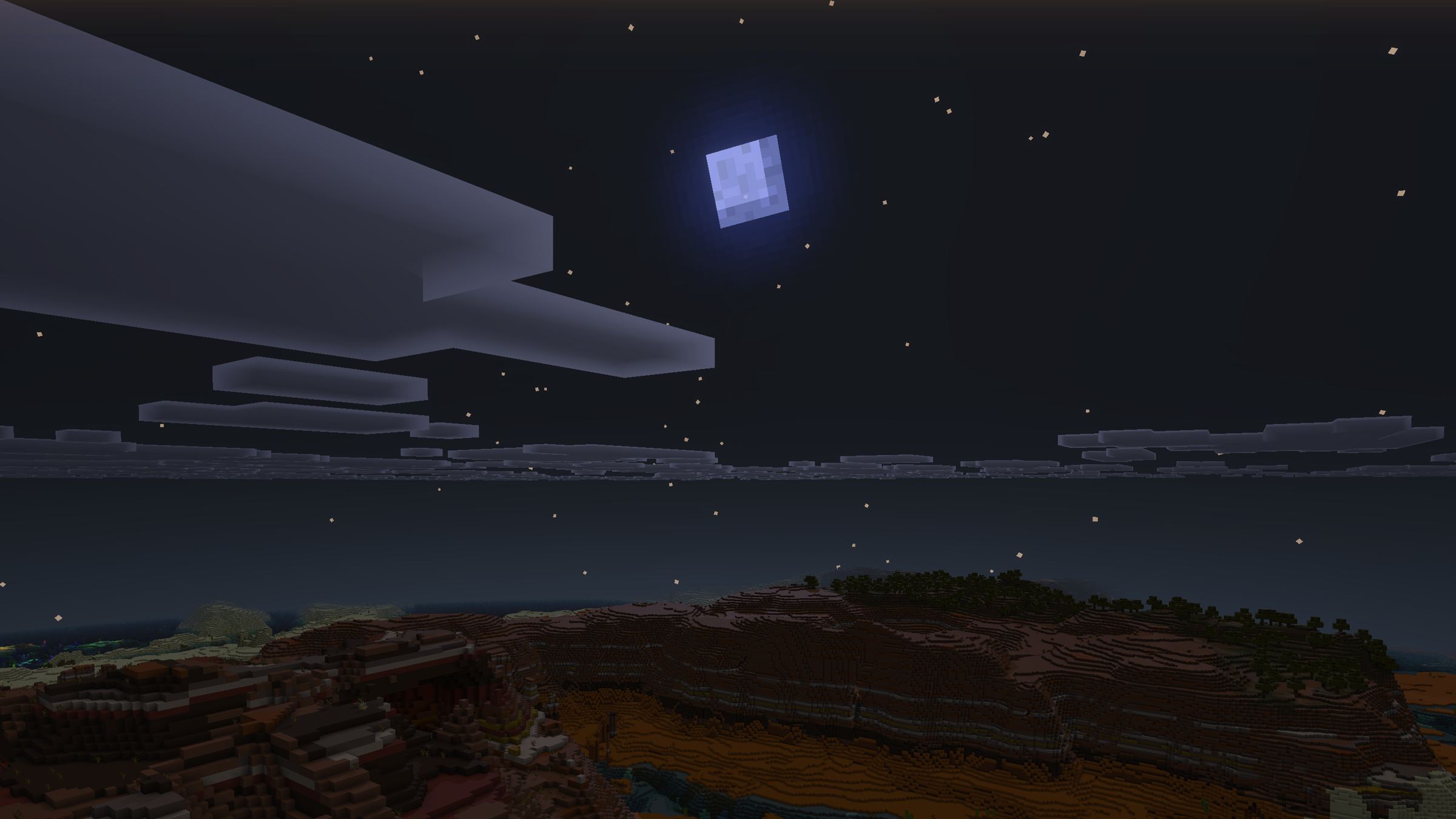
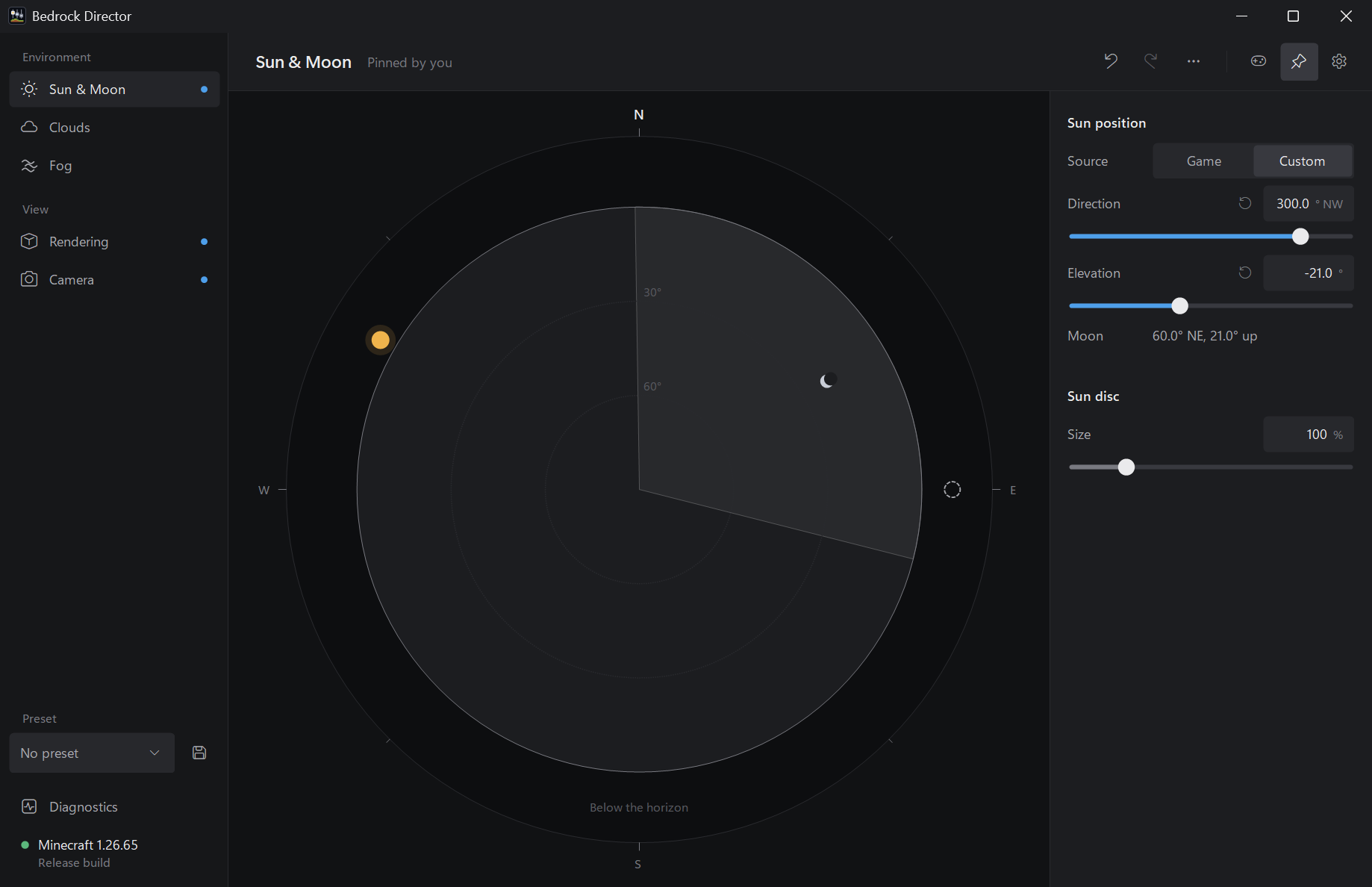
Run it on a second screen next to the game. Anything you change from the game's own value is marked blue and can be reset. Both images are from the same session, the app shows where it put the moon.
Distance
Grass and mobs past the game's limits.
The game stops drawing grass and flowers past 160 blocks and entities past 72. Bedrock Director draws both out to your render distance, and keeps entities visible outside simulation distance. Vibrant Visuals shadows go up to 96 chunks.
Grass and flowers
Entities
Shadows, Vibrant Visuals
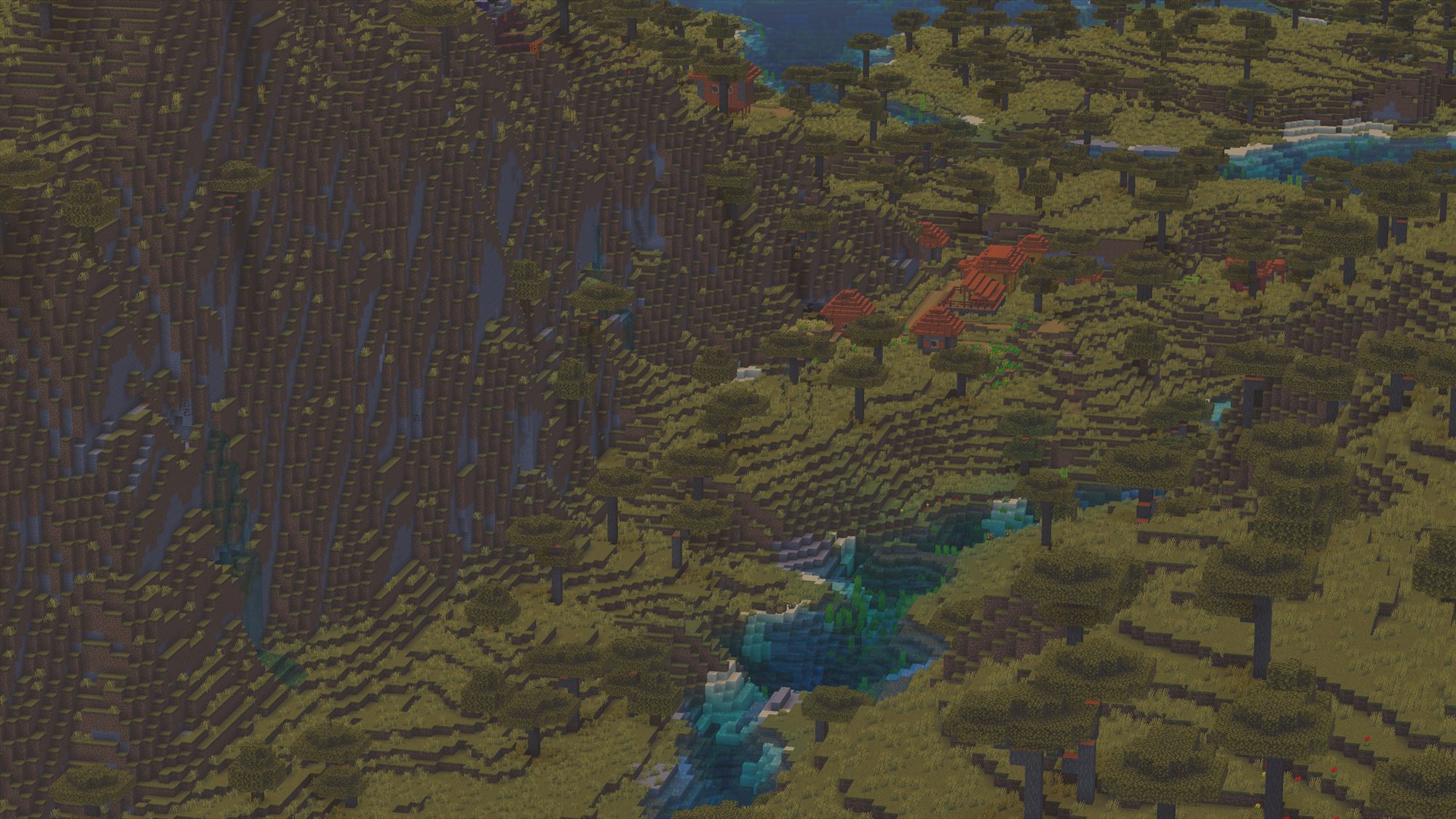
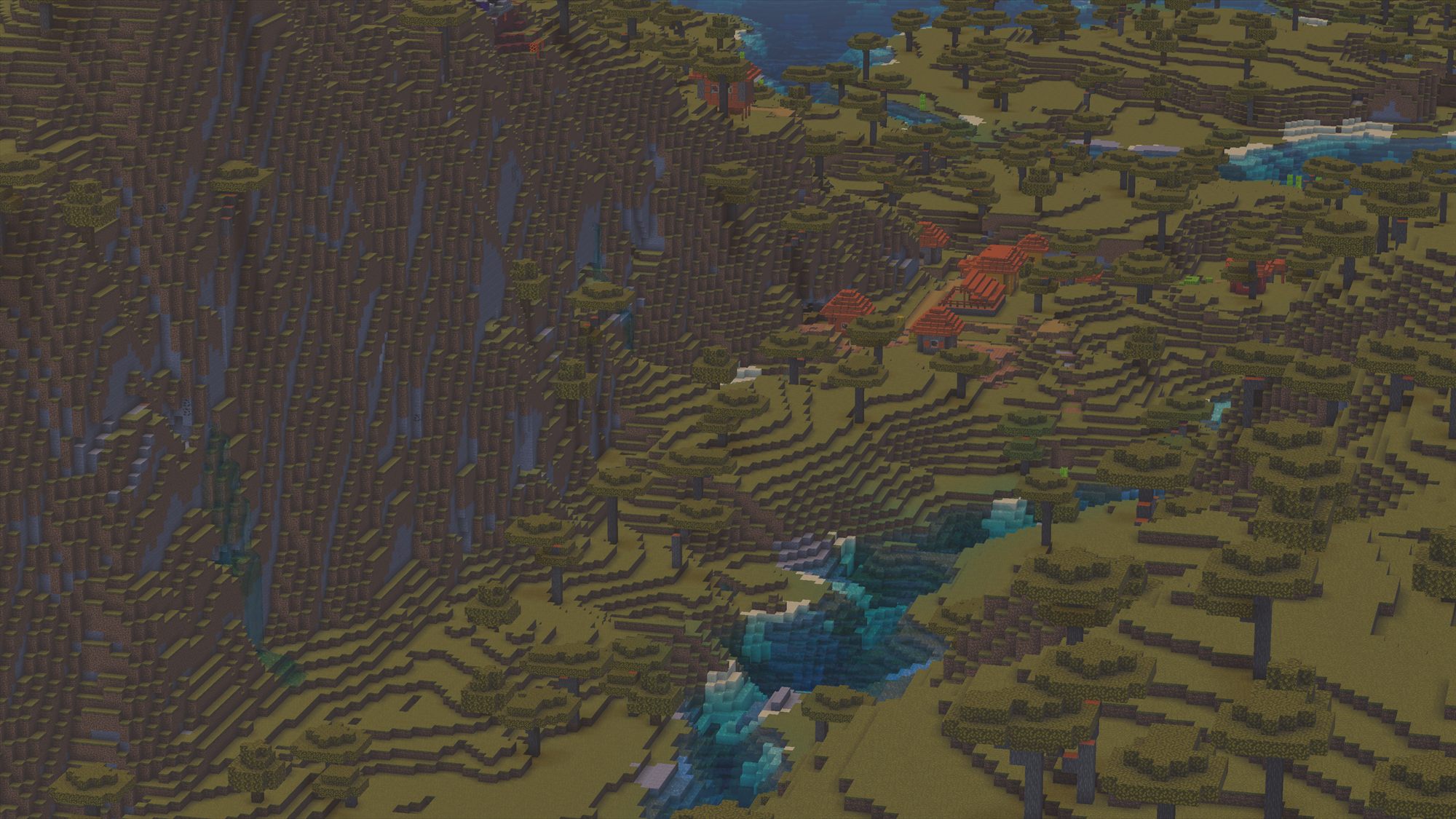
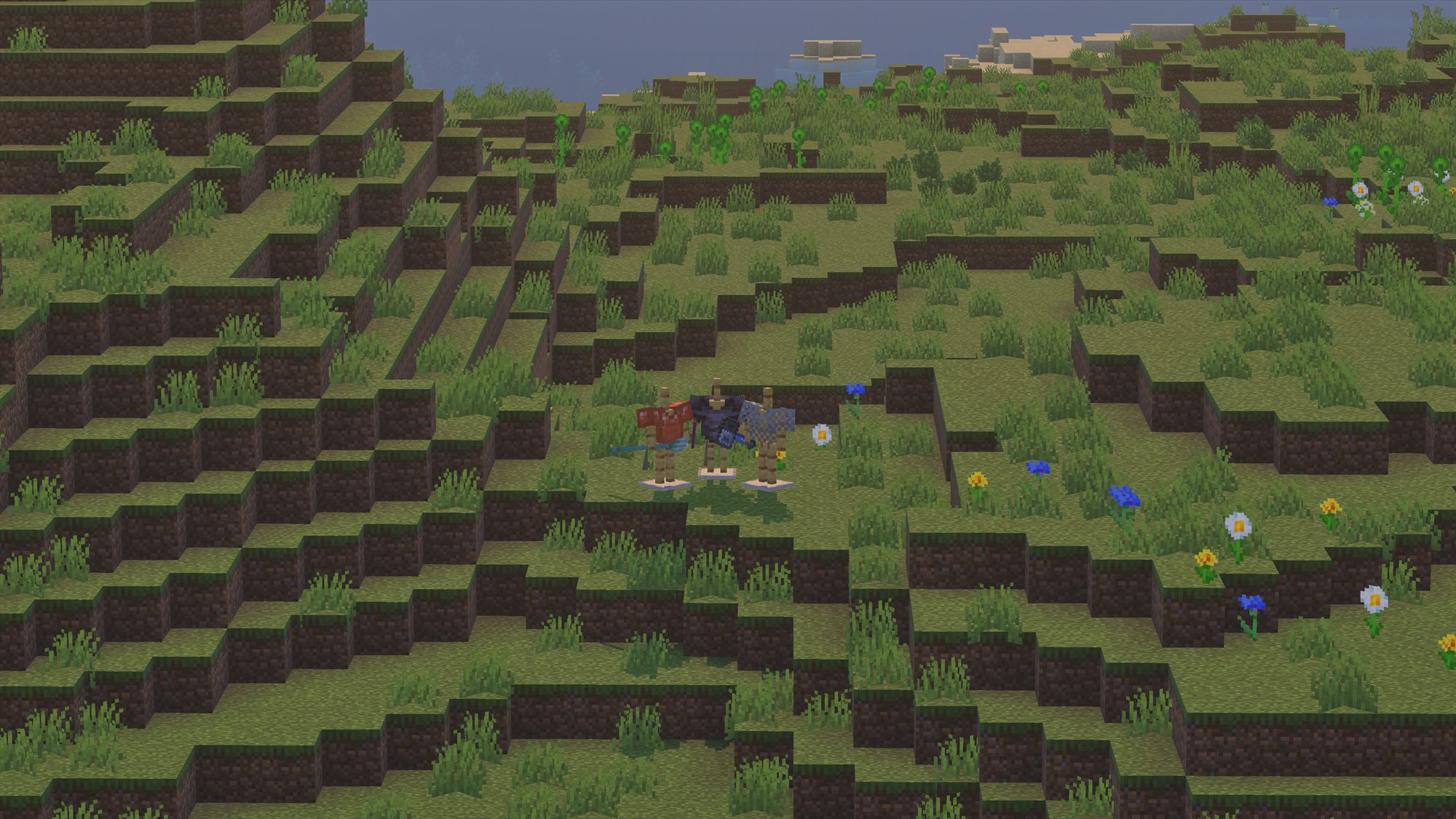
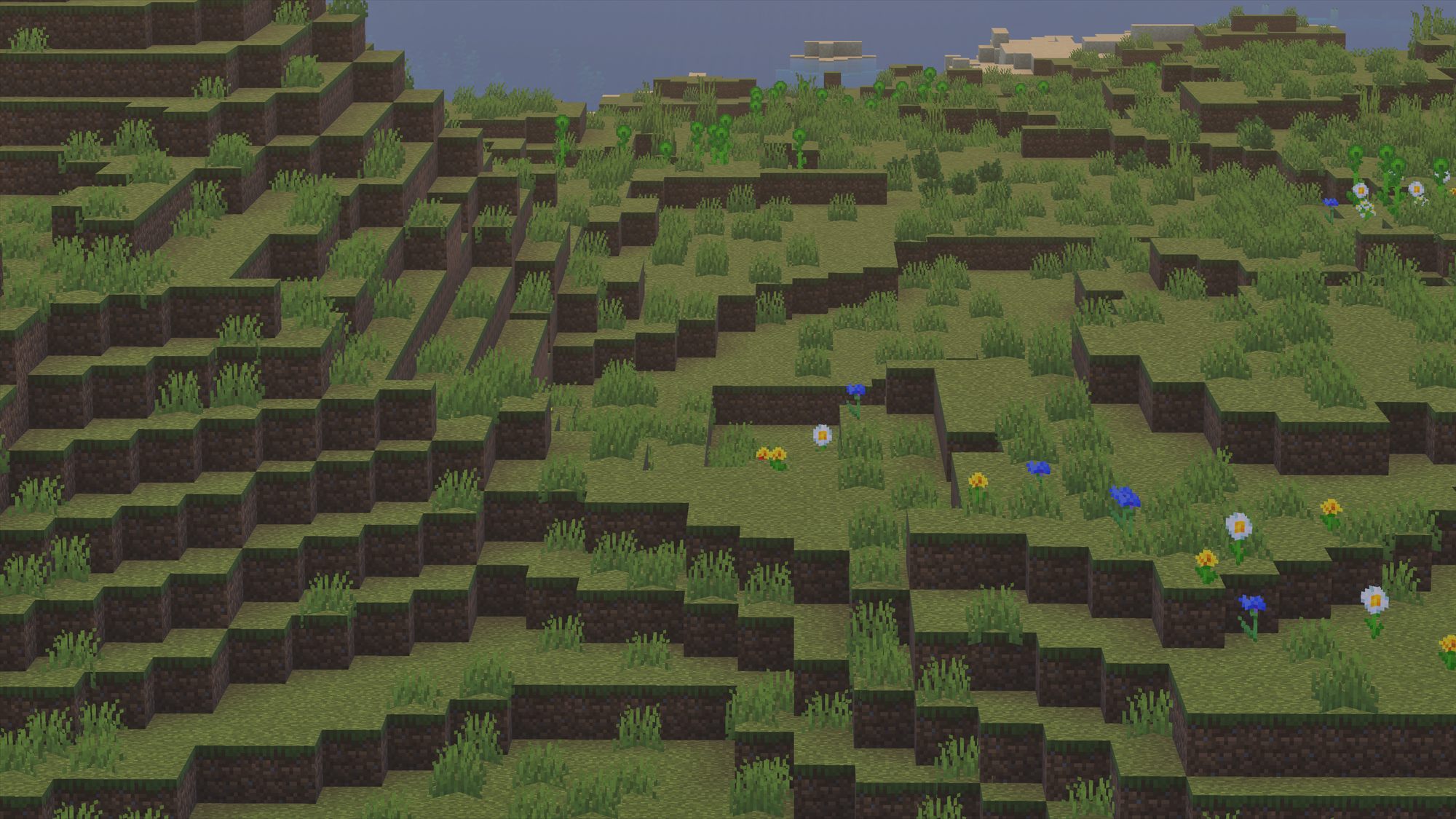
Entities past 72 blocks
The game hides entities past 72 blocks, even inside simulation distance. With the app they stay visible, also after they leave simulation distance.
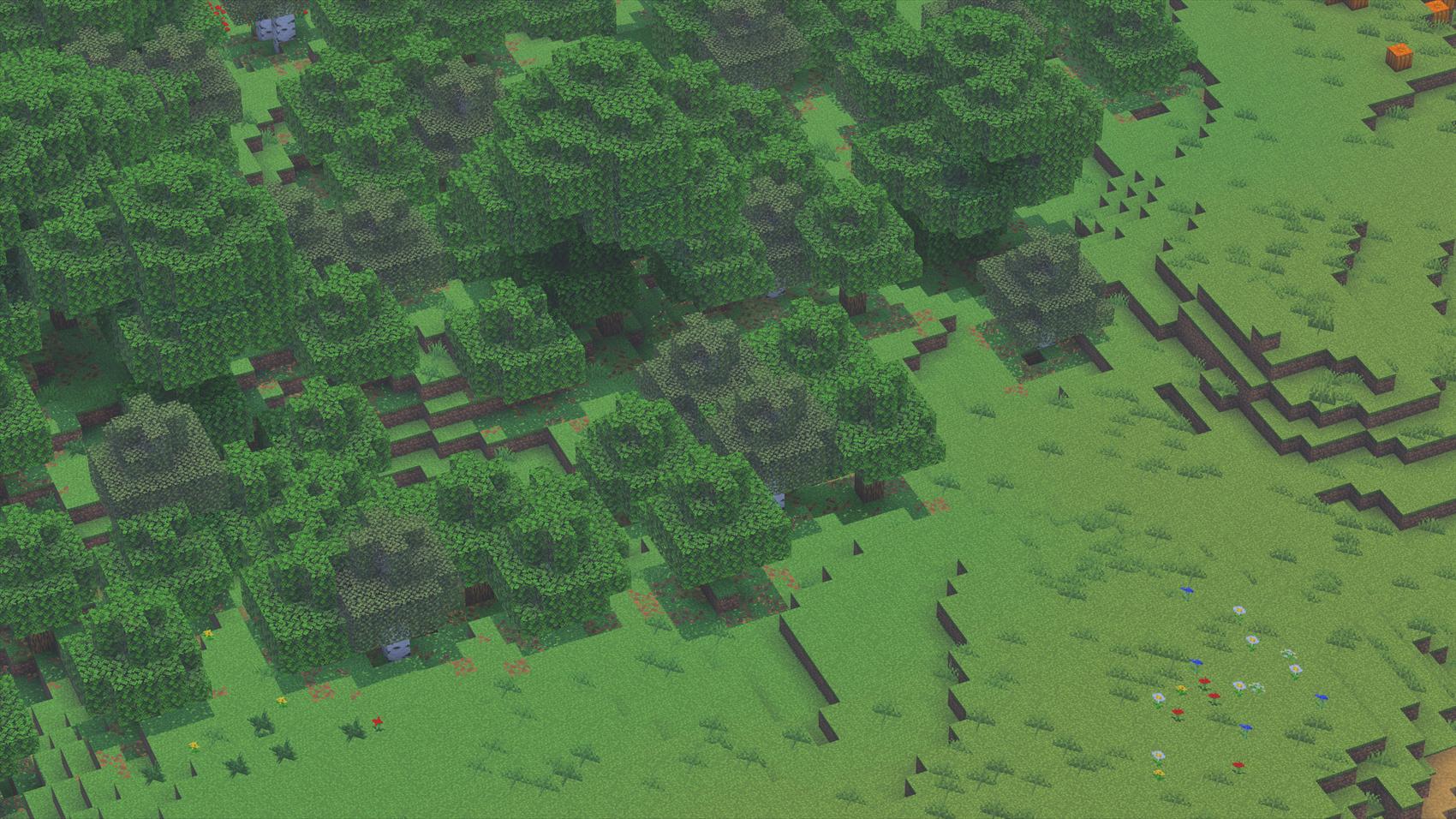
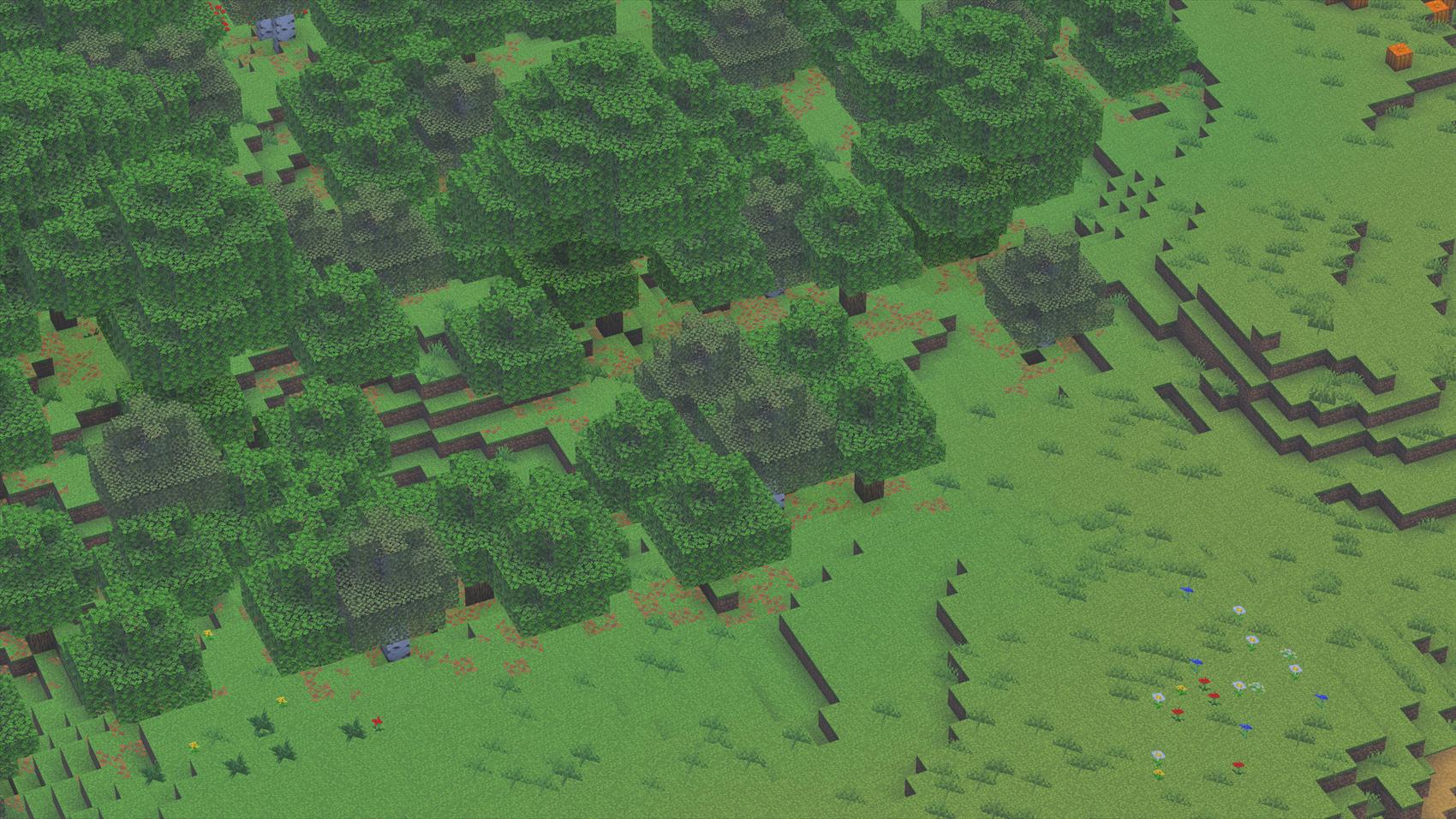
Shadows past 8 chunks
Vibrant Visuals only casts shadows out to 8 chunks. You can raise it to 96, and the app lowers it again on its own if the game gets close to its draw limit.
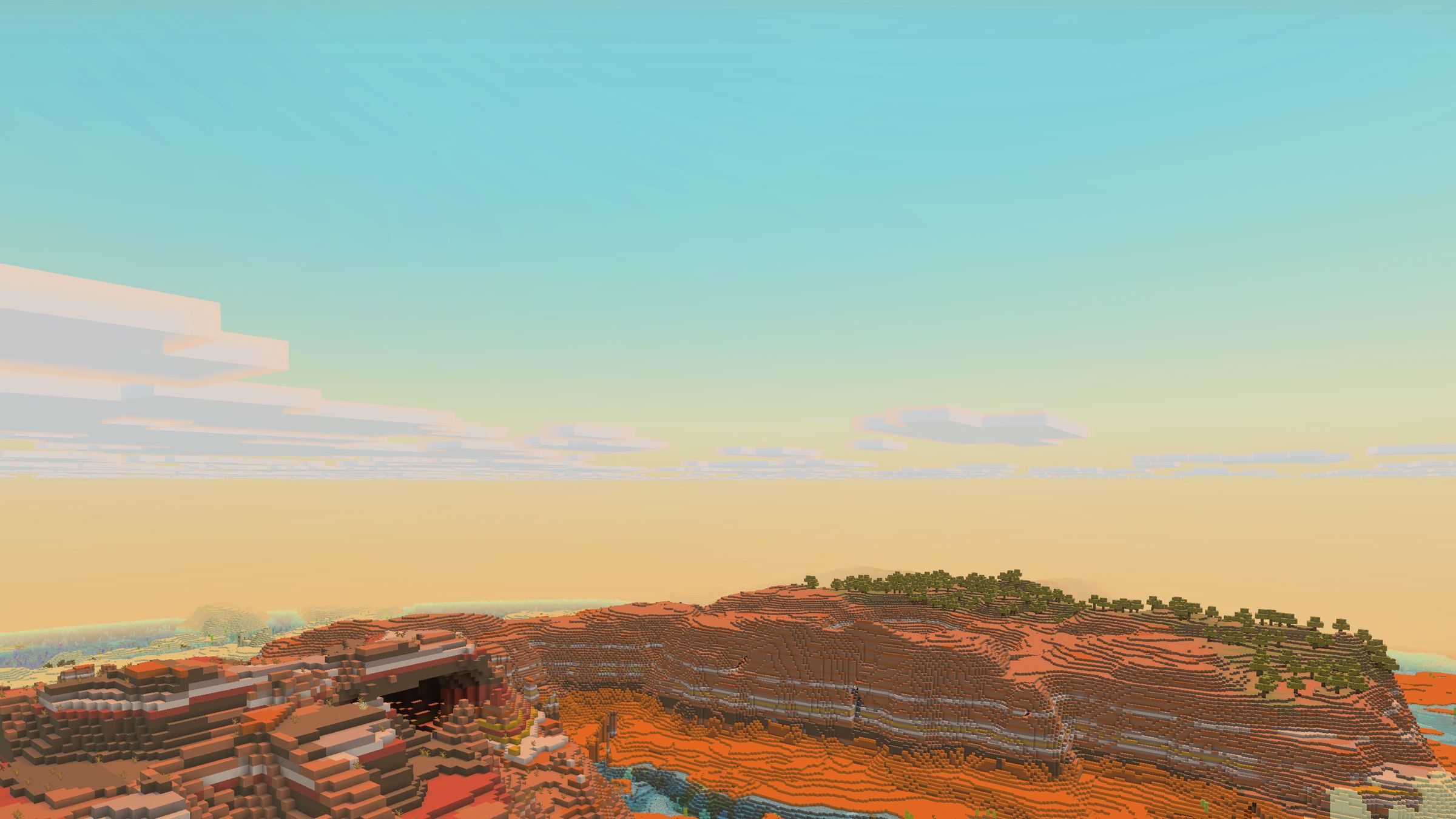
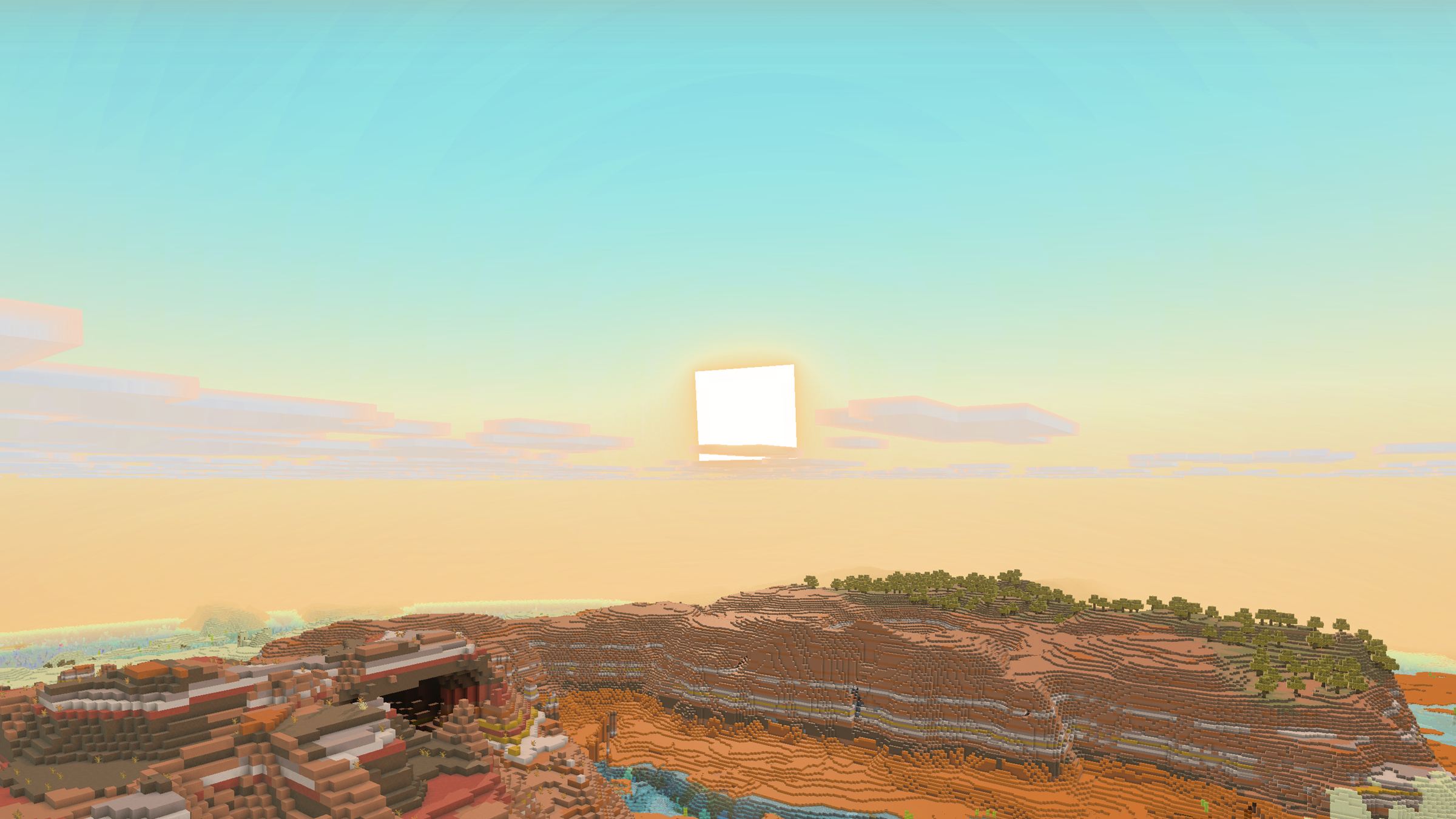
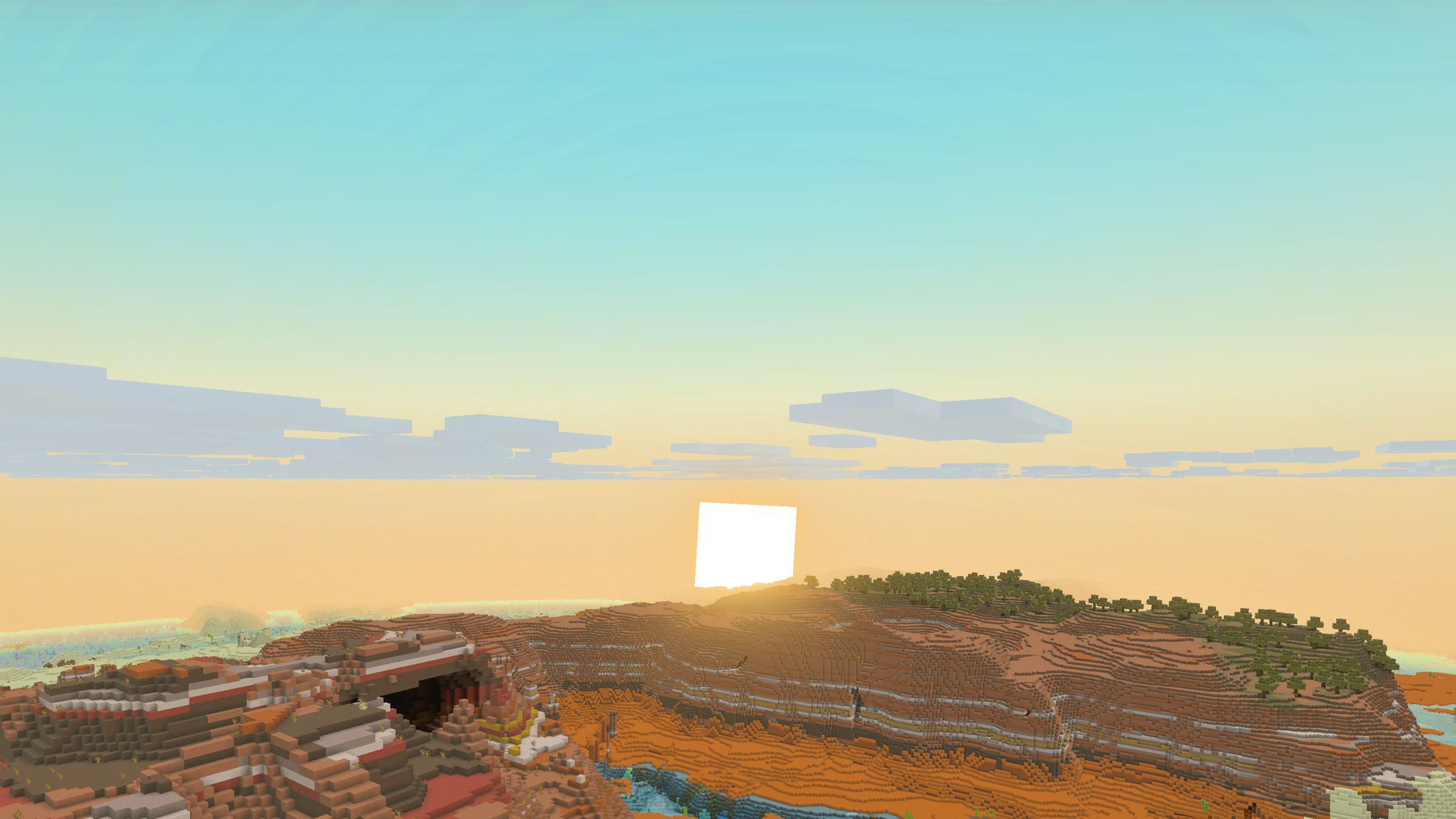
Sun 60° NE · 5° upset in the app
Sun and moon
Sun and moon anywhere in the sky.
Drag the sun on a sky dome, including below the horizon. The moon moves with it, the same way the game links them. All four are from one camera position, with the app's value under each.
Direction 0–360° · Elevation −90° to 90°
Sun size 10–500 %
Clouds
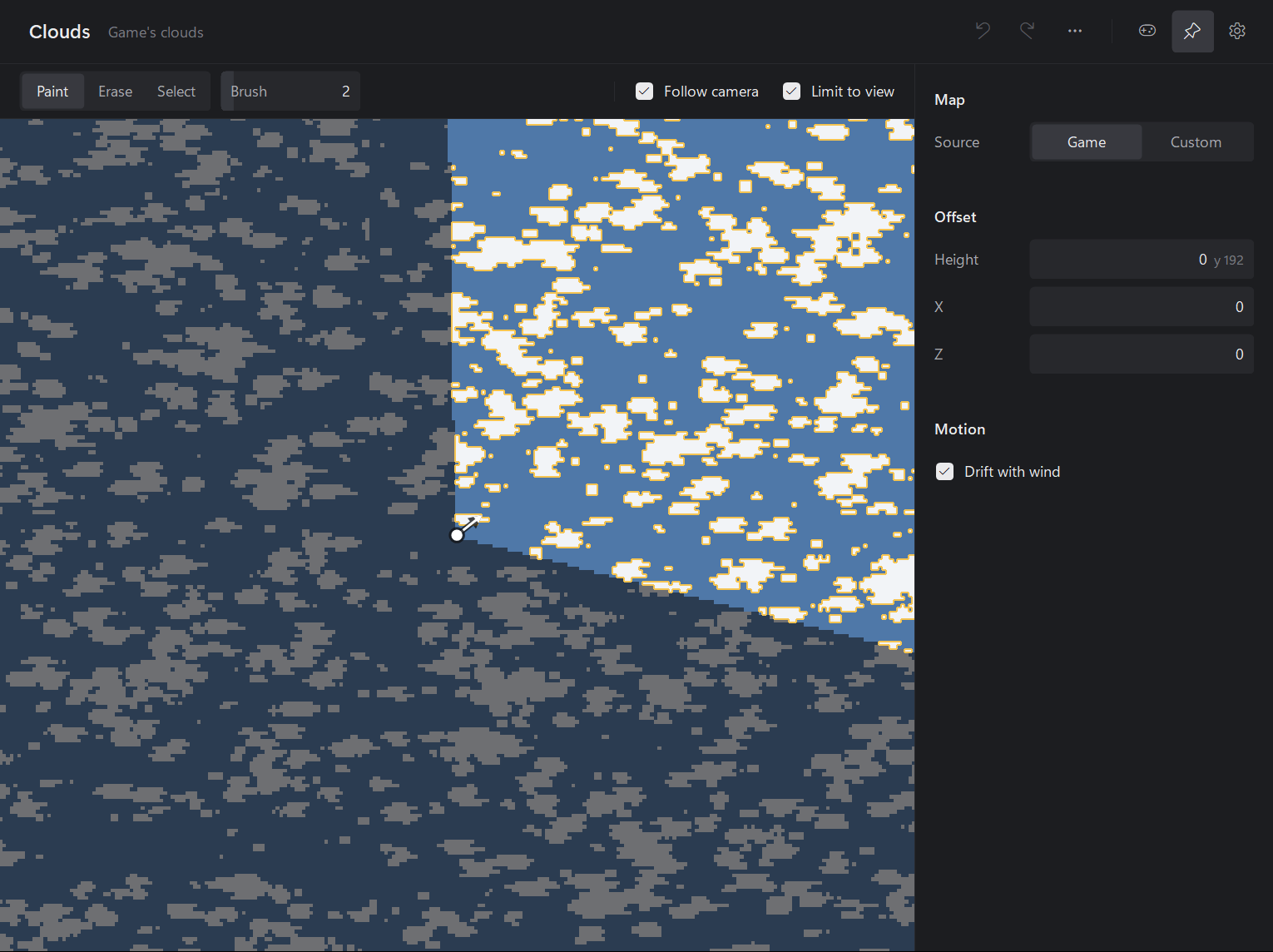
Edit the cloud map.
The game builds its clouds from one small map. You can paint it, move the whole layer, stop the wind, or keep the same clouds across shots.
Fog
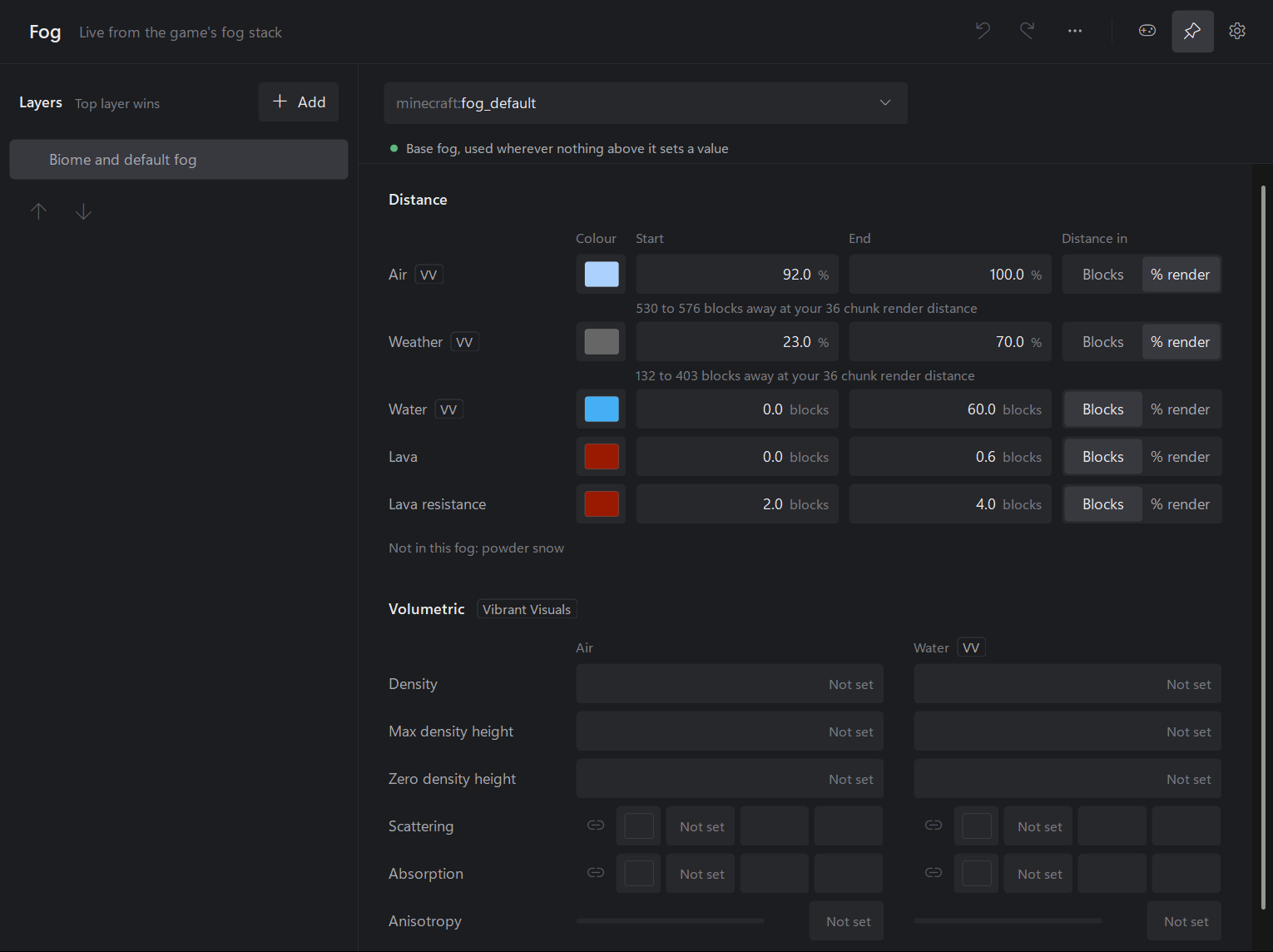
Edit the active fog.
See the fog stack the player is in, add and reorder layers without commands or cheats, and change distance and volumetric values. Export the result as a fog file for a resource pack.
Framing
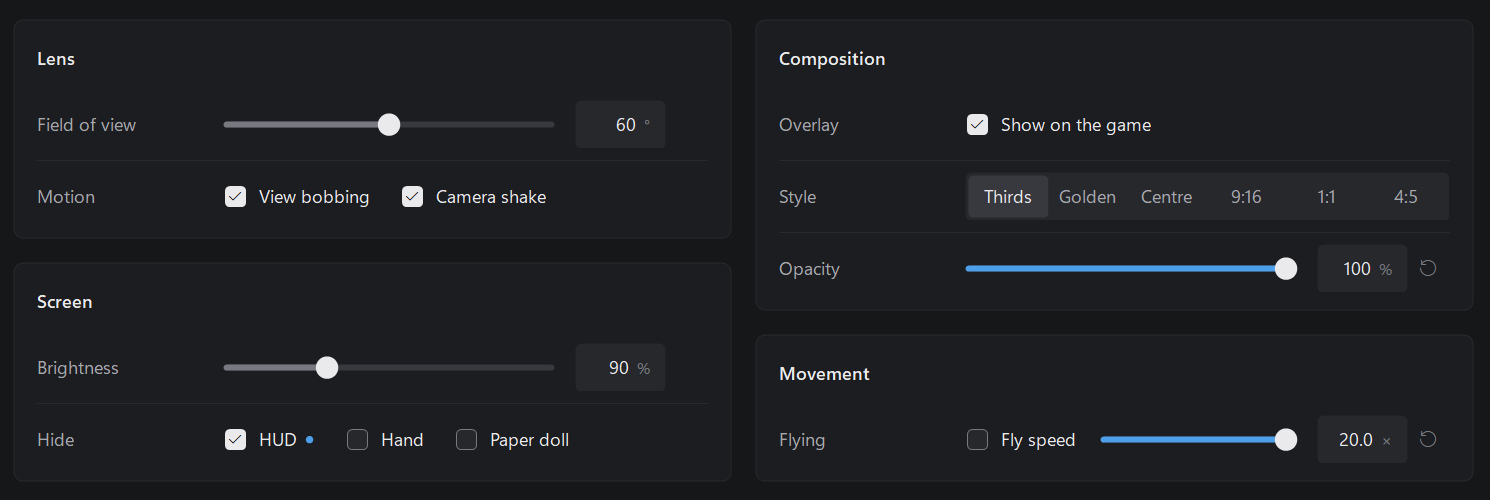
Overlays and camera settings.
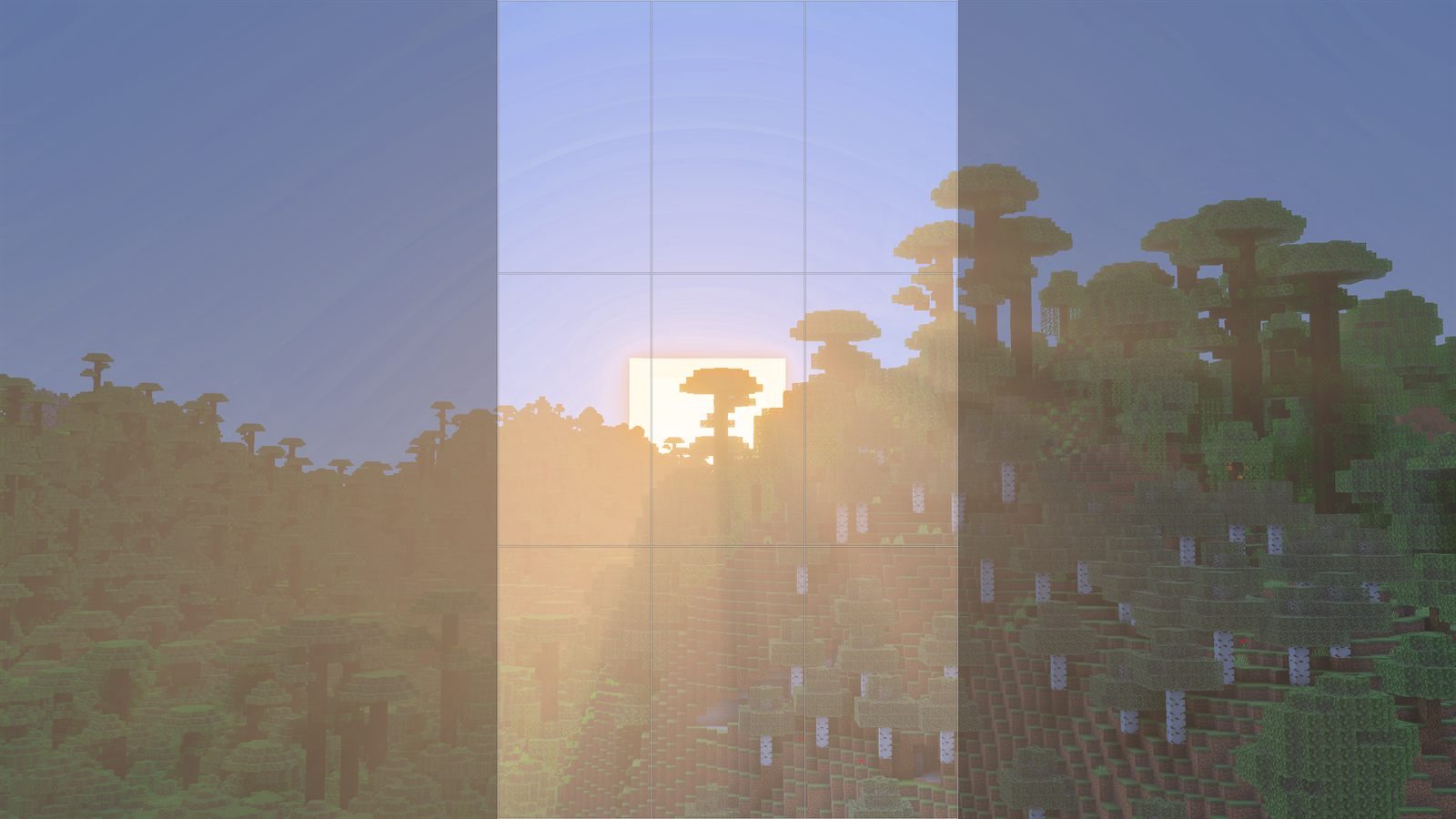
Hide the HUD, hand and paper doll, change the field of view, and show thirds, the golden ratio or a 9:16, 1:1 or 4:5 crop over the game. Fly speed goes from 0.1× to 20× for slow camera moves.
Presets
Save sun, cloud and fog settings, switch between them with a hotkey, and share them as files.
Hotkeys
Toggle the overlay and HUD, switch presets or go back to the app while the game is focused.
Diagnostics
Shows which features work on your game version, and builds a bug report if something doesn't.
Pricing
One monthly plan.
Minecraft updates move the code Bedrock Director hooks into, so most updates need a new build. The subscription covers those builds.
Monthly
$29.99
per month
- The latest build, for Minecraft stable and preview
- Cancel any time, your last download keeps working
- No account or activation, works offline
- Windows 10 or 11, single player worlds
- Refundable if you email within 7 days of paying
FAQ
- What do I need?
- Just Minecraft Bedrock on Windows 10 or 11. The latest Stable and Preview builds are both supported.
- Do I need an account?
- No. There's no account, key or activation in the app, and it runs fully offline.
- Does it change my world?
- No, your world itself isn't touched. Everything happens in the running game and goes back to how it was when you close the app. The only file it writes is the water shader for fog on water, and the original is put back too.
- Does it work on servers or Realms?
- No. It's meant for your own worlds, ideally single player. It may work in multiplayer on a world you host, but that isn't tested.
- What happens when Minecraft updates?
- Because of how the app works with Minecraft, updates can break it. When that happens, any feature that doesn't work on your build turns itself off instead of breaking the game, until a new build is out. I also don't maintain the app for older Minecraft versions, the latest Stable and Preview always take priority.
- What if I cancel?
- The build you've downloaded keeps working as it is. You just won't get new builds for future Minecraft updates.